
✨ Workflow action to change contact participant state for a marketing event is finally here in HubSpot—and if you manage events, this is a meaningful shift.
What Is the New HubSpot Marketing Events Workflow Update?
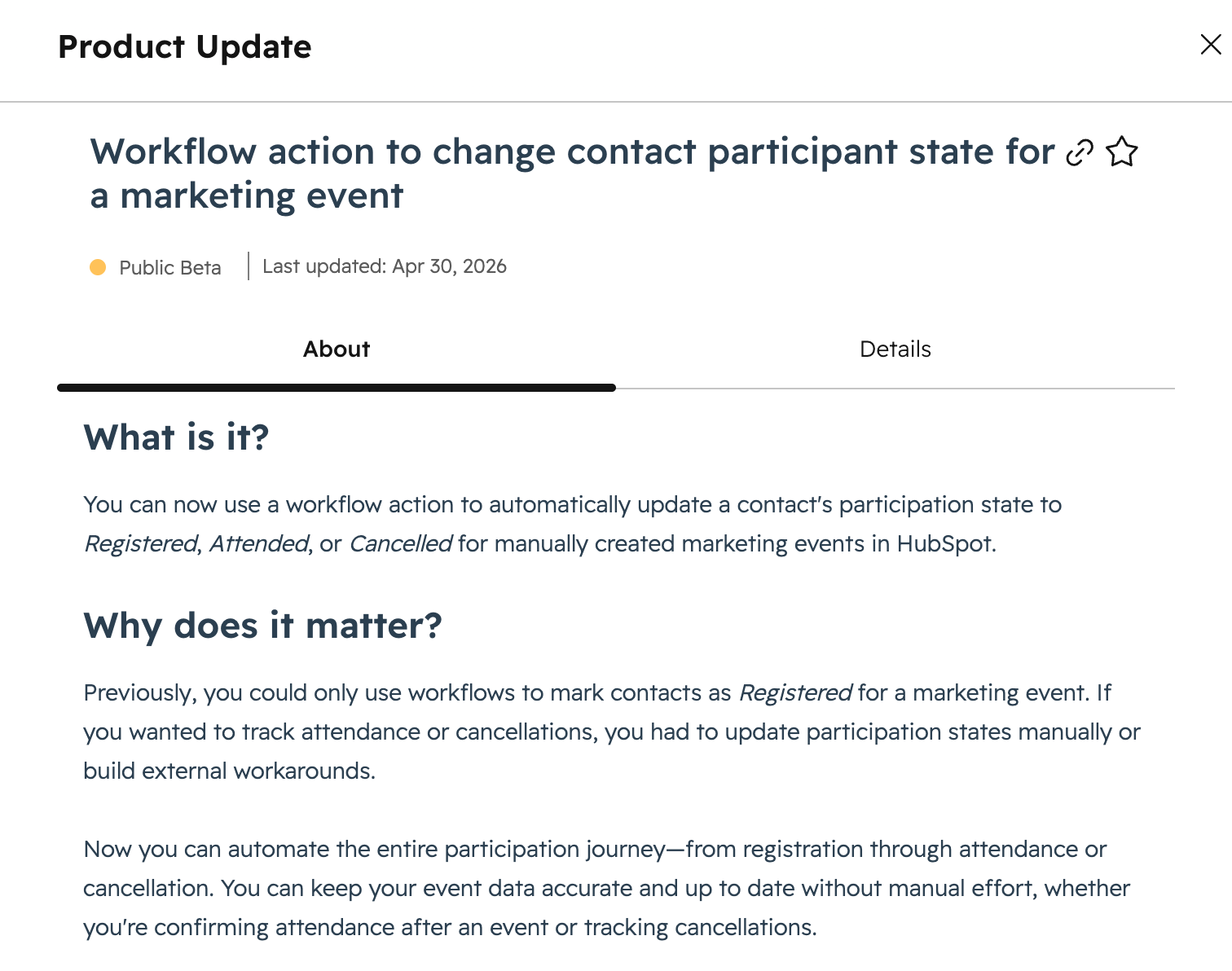
HubSpot now allows you to automatically update a contact’s marketing event participation status using workflows.
You can set a contact’s status to:
- Registered
- Attended
- Cancelled
This enables end-to-end automation of event participation tracking—something that previously required manual updates.
Why This Matters for Event Marketing
I’ve spent nearly 20 years in show and event management—across trade shows, conferences, webinars, and exhibitor programs.
And across all of it, one issue has been constant:
Event data management has always been manual and fragmented.
Before this update:
- Attendance tracking required manual imports
- Cancellations required manual updates
- No-shows were inconsistently tracked
At scale, this led to:
- unreliable CRM data
- broken segmentation
- incomplete attribution
Why Event Tracking in Your CRM Is Critical
Events—both in-person and virtual—are often high-intent marketing and sales touchpoints.
They drive:
- pipeline acceleration
- direct engagement with prospects
- meaningful sales conversations
But without accurate participation data, it’s difficult to:
- measure ROI
- segment audiences correctly
- connect event activity to revenue
How HubSpot Marketing Events Improve Attribution
Marketing Events in HubSpot are designed to solve this by allowing you to:
- associate events with campaigns
- track contact engagement
- report on event-driven pipeline
When participation data is accurate, you can:
- build precise follow-up workflows
- segment by attendance behavior
- attribute deals to specific events
What This Update Fixes
Previously, HubSpot workflows could only set a contact’s participation to Registered.
Now you can automate the full lifecycle:
👉 Registered → Attended → Cancelled
This directly improves:
- data quality (no more manual uploads)
- segmentation accuracy (attended vs. no-show)
- event attribution reporting
Important Limitation to Know
This workflow action currently only works for manually created marketing events in HubSpot.
If you use third-party event platforms that create the event record automatically control participation updates, you may need to recreate events in HubSpot, or wait to apply this workflow approach to future events.
Final Takeaway
This is a small feature update with significant operational impact.
If you rely on events as part of your go-to-market strategy, this unlocks:
- automated attendance tracking
- cleaner CRM data
- more reliable event attribution
After years of manual workarounds, HubSpot marketing events are finally becoming a more complete system for tracking event performance. Learn more in the HubSpot product update.